Introduction:
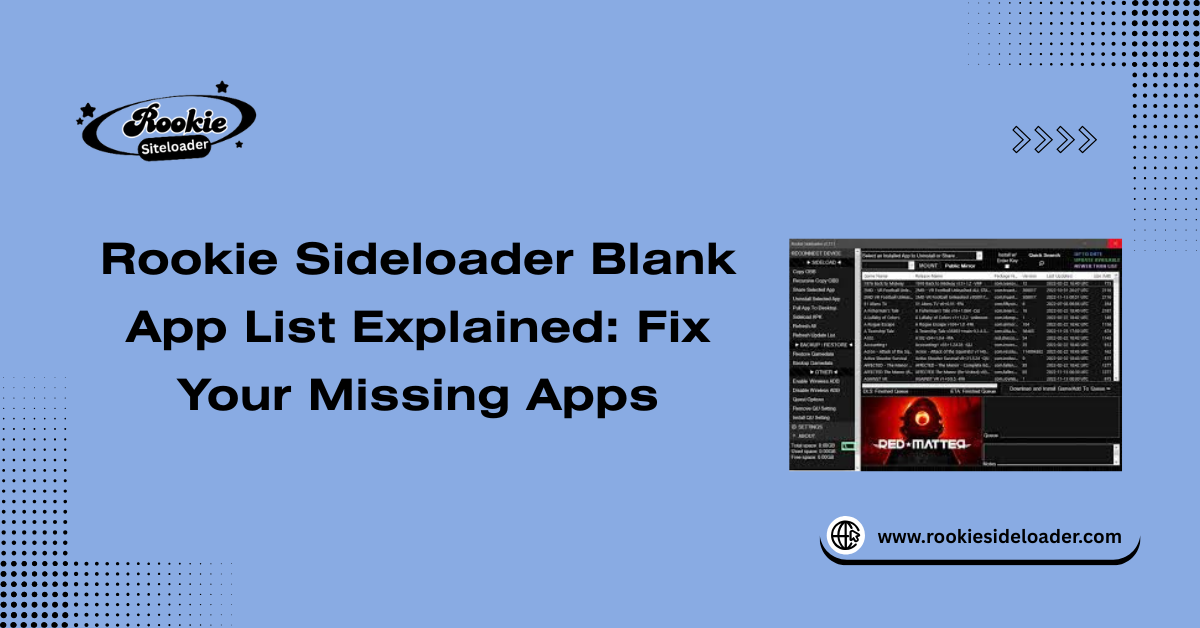
Encountering a blank app list in Rookie Sideloader is confusing and prevents users from seeing available applications for sideloading. This problem typically signifies a failure in the app repository system, where the tool cannot successfully download or read the listing of available apps. The primary causes relate to issues with repo sync, network interference, or outdated software. This guide provides targeted troubleshooting steps for a reliable repo sync and restoring the complete application list.
Why Apps Sometimes Fail to Appear
Apps fail to appear when the sideloading tool cannot access or process the list of available software from its designated source. This indicates a breakdown in the communication chain between the application and the online app repository.
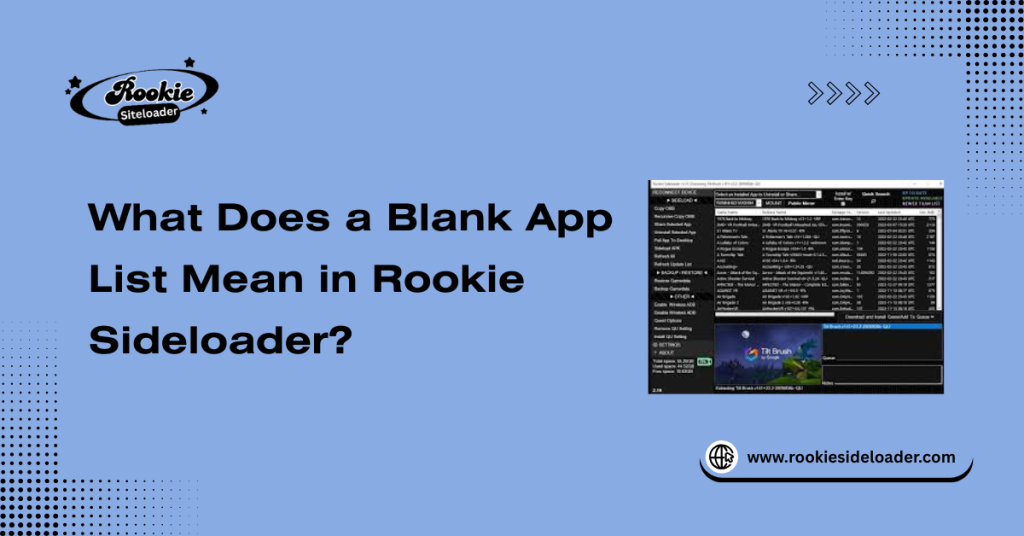
What Does a Blank App List Mean in Rookie Sideloader?
A blank app list indicates that the application failed to load the essential metadata files (app list, versions, and sizes) from the app repository system. It confirms that the program either cannot reach the server or, more commonly, cannot correctly process the retrieved data due to a corrupted cache or system conflict.
How the App Repository System Works
The app repository system works by having the sideloading tool contact a specific online server (the repository, or “repo”) to download a complete, up-to-date index file. This index file is then read locally to populate the app list you see in the interface.
Why Repo Sync Is Required
Repo sync is required to ensure that the user sees the latest versions of available applications and that the local index file accurately reflects the contents of the remote app repository. Without a successful repo sync, the list remains stale or entirely empty.
When a Blank List Signals a Connection Issue
If the list is blank, it can signal a failure to even connect to the remote server due to network or firewall restrictions, indicating a severe connection issue. However, it more often points to a problem reading the local cache file after a failed repository update.
Common Causes of Blank App List
Repository Sync Failure
The most direct cause of a blank app list is a repo sync failure, where the tool attempts to download the index but is interrupted or receives incomplete data.
Network or Firewall Restrictions
A strict firewall or overly cautious antivirus can silently block the specific port or URL the tool uses to fetch app repository data, causing a severe network issue.
Outdated Rookie Sideloader Version
If the Rookie Sideloader version is outdated, it may be unable to correctly parse the index file format used by newer server software, causing the app list to fail to populate.
Temporary Server or Repo Downtime
Occasionally, the issue is external. If the app repository server is experiencing temporary server downtime or maintenance, the tool cannot retrieve the index regardless of local settings.
Repo Sync Issues That Block App Loading
Failed Repository Updates
When a repo sync fails, the existing index file may be partially overwritten, causing repository updates to fail and leaving the local file unreadable or blank.
Interrupted Sync Processes
An interrupted sync process, caused by a sudden system restart or a connection drop, is a primary cause of corrupted repo cache files.
Corrupted Repo Cache Files
If the repo cache files or the locally stored index are damaged, the application will freeze or display an empty list because it cannot process the corrupted data on startup.
Safe Ways to Refresh the App List
Using Built-In Safe Refresh Options
Most sideloading tools include a safe refresh option (often a dedicated button or menu item) that restarts the repo sync process without affecting local settings or installed apps.
Restarting Repo Sync Without Data Loss
To ensure a clean refresh, close and restart the entire Rookie Sideloader application, which often forces a new repo sync attempt without any data loss.
Clearing Cache Without Resetting Settings
If the list remains blank, perform a targeted cleanup. You can manually delete the corrupted cache files (usually found in the AppData directory) while leaving the primary application settings intact for a clean start.
Network and System Checks
Internet Connectivity Requirements
Confirm your Internet connectivity is stable and fast. The app list cannot be retrieved without reliable internet access.
VPN and Firewall Conflicts
If you are using a VPN, try temporarily disabling it to rule out geo-blocking or VPN conflicts. Explicitly add the Rookie Sideloader executable to your firewall’s exception list.
Antivirus Interference With Repo Fetching
Check your antivirus log. Overly aggressive antivirus interference may silently block the tool’s attempt to communicate with the remote server, falsely identifying the file fetching as a malicious download.
Rookie Sideloader Configuration Checks
Correct Repo Source Selection
Ensure the correct repo source or URL is selected within the application’s settings. An incorrect or outdated source link will obviously lead to an empty list.
Permission and Access Validation
Please verify that the application has the necessary permissions and access validation on your PC to read and write files in its own configuration and cache folders (often resolved by running the program as an administrator).
Background Services Status
Check that no conflicting background services, particularly those related to file synchronization or network monitoring, are interfering with the application’s network requests.
Preventing Blank App List Issues
Keeping Repositories Updated
Regularly check for and apply any repository updates or changes announced by the developers.
Performing Regular Safe Refresh
Make a habit of performing regular, safe refresh cycles after launching the application to keep the local index up to date.
Avoiding Interrupted Sync Sessions
Ensure your system remains awake and your Internet connection remains stable while running the repo sync to prevent corrupted repo cache files.
Frequently Asked Questions
Why is Rookie Sideloader showing a blank app list?
The list is blank due to a repo sync failure, often caused by a blocked connection (firewall) or a corrupted cache file that the application cannot process during initialization.
Does a repo sync failure cause missing apps?
Yes, a repo sync failure means the application cannot download the current index file, resulting in missing apps because the tool has no list to display.
How do I refresh the app list safely?
The safest way to refresh is to use the built-in safe refresh options in the tool or to close and restart the application to force a new repo sync.
Can a firewall or antivirus block the loading of repos?
Yes, firewall or antivirus interference can silently block the specific port or address the tool uses to fetch data, leading to a blank app list.
Do I need internet access to use the Rookie Sideloader apps?
Yes, you need internet access for the initial repo sync and for downloading the application files, though the actual sideloading process is local.
Will clearing the cache delete installed apps?
No, clearing the cache only removes temporary index files and history; it will not delete any installed apps on your connected device.
How often should I sync the repository?
You should sync the repository whenever you launch the application or whenever you notice missing apps or an outdated list.
Conclusion
Resolving the blank app list issue in Rookie Sideloader requires targeting the app repository system. The solution involves ensuring no network or firewall restrictions are blocking the connection, performing a safe refresh to force a clean repo sync, and addressing any corrupted repo cache files to prevent the initialization freeze. By maintaining a clean system and keeping repositories up to date, users can ensure a smooth, error-free experience.
Latest Post: