Introduction:
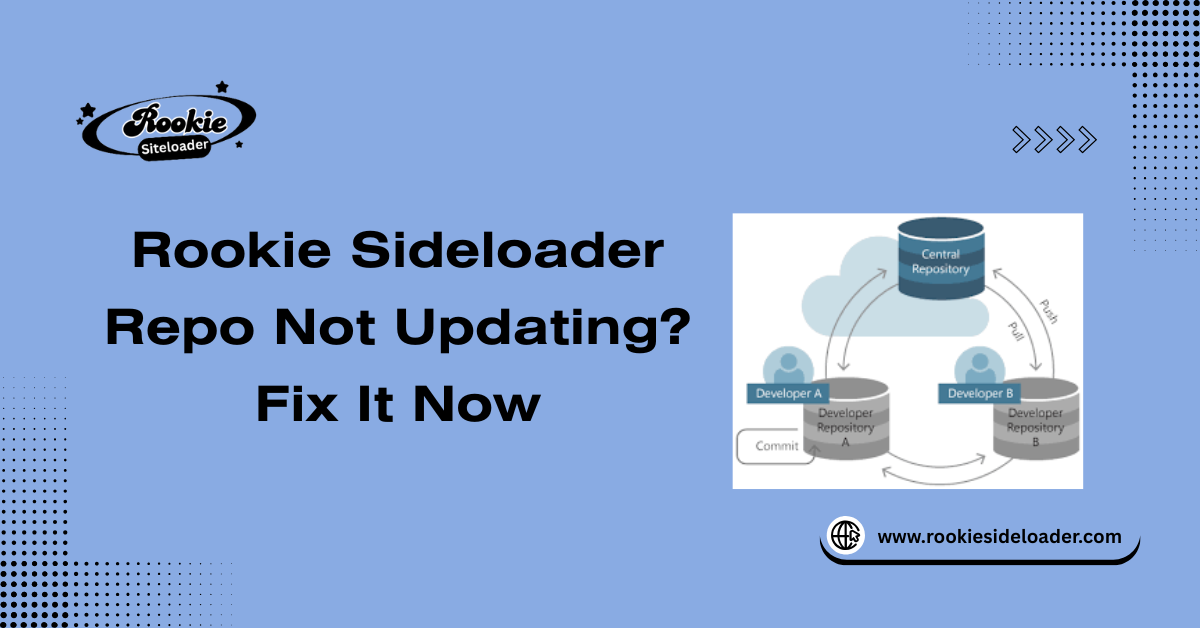
The repository (repo) is the core lifeline of Rookie Sideloader, connecting your local application to the remote server that hosts all application metadata, download links, and version information. When this link is severed, the utility quickly loses its function.
How Repo Sync Impacts App Availability
A continuous, successful repo sync directly impacts app availability. If the sync fails, the application list becomes static, and users are denied access to new releases, essential patches, and the most current app versions. This prevents the tool from functioning as a proper content delivery system.
Why Updates Fail Without Clear Errors
Many repo updates fail silently, simply timing out or being refused without providing a clear error code to the user. This is often because the connection is being severed at a low level, usually by external security software or an aggressive firewall, preventing the application from even receiving a failure message.
When a Repo Issue Becomes a Stability Risk
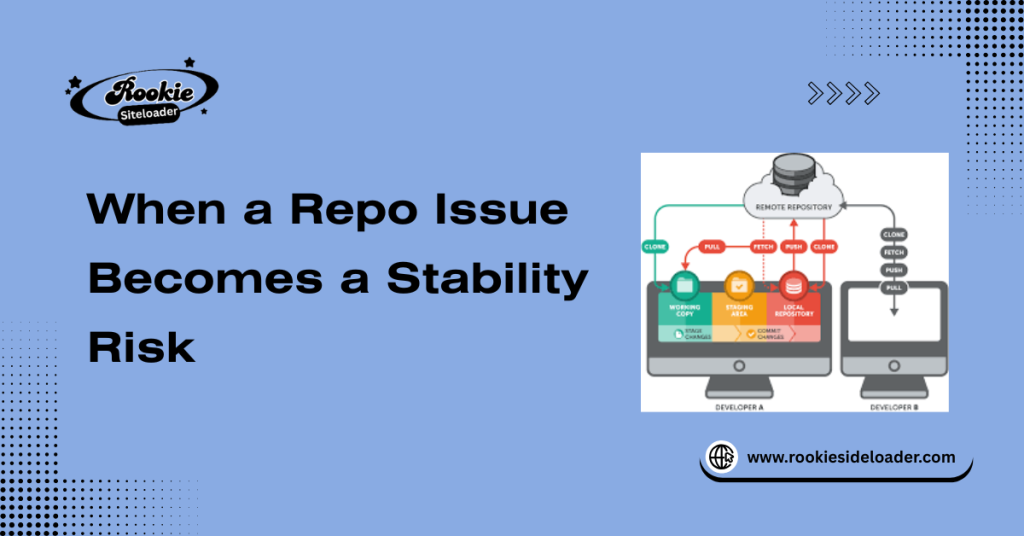
When a repo issue becomes a stability risk, the tool attempts to sideload content using obsolete instructions. The local configuration might reference a file that no longer exists on the server, leading to corrupted downloads or unstable installations on the Quest headset itself.
What Repo Updating Actually Depends On
Successful repo updating is a three-way handshake involving:
Network Access and Endpoint Reachability:
The ability of your PC to locate and connect to the remote server on the internet.
Local Config and Cache Integrity:
The health of the application’s internal files and settings that store the server address and temporary data.
App Permissions and Background Access:
The operating system’s clearance allows the tool to make necessary outbound connections without interference.
Early Signs Your Repo Is Not Syncing
| Blank or Outdated App Lists | The displayed content is old, missing new releases, or the list is empty. | Failure to download the main index file. |
| Endless Refresh or Silent Failures | The refresh indicator runs indefinitely, or the status bar briefly flashes “failure” without details. | Connection timed out due to firewall or proxy blockage. |
| Repo Timestamp Not Changing | The local timestamp of the last successful synchronization remains constant across multiple attempts. | Connection is successfully being denied at the network layer. |
Network-Level Checks That Fix Most Issues
This step isolates the application from external interference.
Internet Stability and DNS Resolution:
Verify your connection by testing other online services. If stability is poor, the sync may time out. If DNS is incorrect, the application cannot find the server’s IP address.
Firewall and Antivirus Blocking:
Temporarily disable your local firewall and antivirus software. If the repo sync works, the security software is the culprit. You must then add a permanent exception for the Rookie Sideloader executable.
VPN, Proxy, and Region Filters:
If you are routing your connection through a VPN, proxy, and region filters, temporarily disable them. Many repo endpoints block IP ranges commonly used by these services to manage traffic or prevent unauthorized access.
Local Config Problems That Break Repo Sync
Repo sync failures can originate from three specific local file issues:
- Corrupted Repo Config Files: The configuration file containing the remote server URL or login credentials may be corrupted, rendering the endpoint unreachable.
- Invalid Paths and Permissions: The tool may lack the necessary Windows permissions to write the new application list to the designated cache folder, resulting in an immediate, silent failure to update the displayed list.
- Broken Cache and Temp Data: Old, residual data from a prior sync attempt can interfere with the new connection, causing a conflict that breaks the sync process.
Safe Ways to Force a Repo Refresh
These steps are designed to reset the local environment without requiring a complete reinstallation of the tool.
Soft Refresh Without Data Loss:
Use the built-in refresh button in the application first. This is the least invasive method and attempts a soft refresh without data loss using existing configurations.
Clearing Repo Cache Safely:
Manually locate the dedicated cache folder within the application directory and delete its contents. This forces the application to request a completely new index file upon the next launch or refresh.
Reloading Default Repo Settings:
If the application has a settings menu, revert the repository URL and related connection settings back to their original defaults to bypass any user-induced configuration errors.
Advanced Fixes When Basic Checks Fail
- Switching Network Profiles: Try connecting your PC to the internet using a different method (e.g., tethering your phone or switching to a wired connection). This can bypass persistent router or ISP-level blocks.
- Resetting App-Level Config: This is the nuclear option before reinstallation. Manually delete the application’s entire configuration folder in the AppData directory to force a complete setup reset on the next launch.
- Clean Relaunch Workflow: Close the Rookie Sideloader application. Open a Command Prompt and manually stop and restart the ADB server (adb kill-server then adb start-server). Then, relaunch the tool.
How to Prevent Repo Sync Issues Long-Term
Long-term stability requires thoughtful maintenance and network practices.
- Network Stability Best Practices: Utilize reliable and consistent internet connectivity, preferably a wired connection, and ensure your system clock is accurate, as time discrepancies can sometimes disrupt encrypted connections.
- Keeping Config Files Clean: Avoid manually editing the application’s configuration files. If changes are necessary, use the official settings panel.
- Safe Update and Refresh Routine: Establish a routine to perform it after any system-wide security patch or tool update.
Frequently Asked Questions
Why is the Rookie Sideloader repo not updating?
The most common reasons the repo doesn’t update are network blocks (firewall/antivirus) or local issues, such as corrupted repo config files or damaged cache data, that prevent the download.
Can network issues stop repo syncing?
Yes, network issues, including poor Internet stability, DNS resolution issues, or aggressive router settings, are frequent causes of sync failures and timeouts.
Does antivirus block repo connections?
Yes, antivirus and firewall software can often block the connection to the repo. If you suspect this, temporarily disabling the software and testing the sync is the fastest way to confirm.
Is it safe to clear the repo cache?
Yes, it is safe to clear the repo cache. This temporary data contains only index information and download segments; clearing it forces the application to download a fresh, clean list on the next sync attempt.
How do I force a repo refresh safely?
You can force a safe refresh by using the Clearing Repo Cache Safely method followed by a manual refresh within the application interface.
Can a VPN or proxy cause repo errors?
Yes, VPNs, proxies, and region filters can cause errors if the repository server blocks the associated IP addresses or restricts access based on geographical location.
Do config files affect repo updates?
Yes, the application relies on configuration files to know the server address. If these files are corrupted, the tool cannot locate the server, causing a sync failure.
How can I prevent repo sync issues in the future?
Implement network stability best practices, avoid manual edits to configuration files, and ensure the tool is whitelisted in all security software to prevent future interference.
Conclusion:
Resolving repo failures requires a methodical approach that first checks external connectivity and then verifies internal file integrity.
By systematically addressing both Network Access and Endpoint Reachability issues and ensuring Local Config and Cache Integrity, you can restore reliable repo sync and maintain reliable access to the application library.
Latest Post: